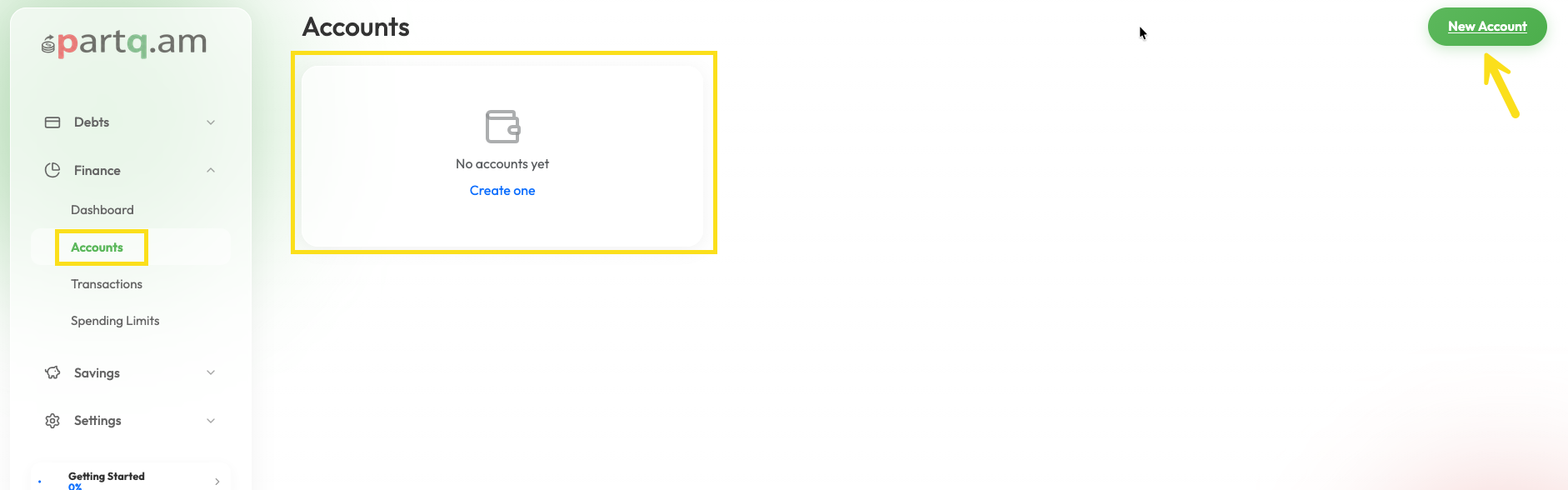
To start tracking your finances, you need to add your accounts (e.g., Cash, Bank, Credit Card).
Steps to create an account:
- Go to the Finance Dashboard or Accounts section.
- Click the + New Account button.
- Enter a Name for the account (e.g., "Main Wallet", "Checking Account").
- Select the Account Type (Cash, Checking, Investment, etc.).
- Select the Currency.
- Enter the Initial Balance (how much money is currently in that account).
- Click Create.
Your account is now ready! You can start adding income and expense transactions to it.