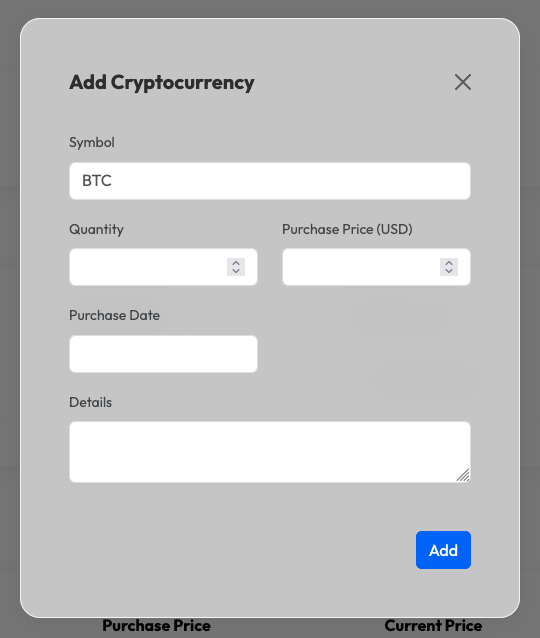
To add a cryptocurrency to your portfolio, you first need to have an Investment Account created.
Steps to add a cryptocurrency:
- Navigate to your Investment Account page.
- Click the + Add button next to the Cryptocurrencies section.
- Select the Crypto Symbol (e.g., BTC, ETH).
- Fill in the Quantity of coins bought.
- Enter the Buying Price per coin.
- Select the Buying Date.
- Click Add.